




Instagram image search used to mean one thing: trying to figure out where a screenshot came from. Today, it means something much bigger. Meta rolled out AI-powered visual search inside the Instagram app, Google Lens now processes over 20 billion visual searches per month, and since July 2025 Google has been indexing public posts from Instagram professional and creator accounts, which means your visuals can now show up in regular search results, AI Overviews, and voice search responses.
I’ve been teaching digital marketing since before Instagram had a search bar worth using. I wrote Digital Threads, I teach influencer marketing at UCLA Extension, and I work as a fractional CMO helping brands figure out where to put their attention. And here’s the thing: most of what’s been written about “instagram image search” treats it like a sleuthing tool for catching catfishers. That’s fine. But it completely misses the bigger shift happening right now.
If you’re a creator, brand, or marketer, the question isn’t just “how do I find this image.” It’s “how do I make sure my images are the ones being found?” That’s what this guide covers. Both sides of the coin, with the 2026 changes that actually matter.
Key Takeaways
✅ Instagram has no built-in reverse image search. You’ll need external tools like Google Lens, TinEye, Yandex, or Bing Visual Search to trace an image back to its source.
✅ Meta AI visual search is now inside the Instagram app. You can search by image concept, not just keyword, and the AI surfaces Reels, products, and creators that match.
✅ Google Lens is the most reliable free tool for reverse-searching Instagram screenshots, though results are strongest for products, locations, and public figures rather than private individuals.
✅ Instagram posts are now indexed by Google in 2026. That means image search optimization isn’t just for your website anymore. Your Reels and carousels can appear in Google Image Search and AI Overviews.
✅ Visual search is the fastest-growing discovery channel. Google Lens handles over 20 billion visual queries per month, and younger users aged 18 to 24 are engaging most with Lens according to Google.
✅ Optimizing images for search is now an Instagram marketing skill. Alt text, descriptive filenames, strong visual hooks, and keyword-rich captions all determine whether your content surfaces in visual search.
What Is Instagram Image Search, Really?
| Type of Instagram Image Search | What It Means | Primary Tools | Who Uses It |
|---|---|---|---|
| Reverse image search | Finding where a photo originated or who posted it | Google Lens, TinEye, Bing Visual Search | Journalists, photographers checking for theft, people verifying identities |
| In-app visual discovery | Finding similar products, creators, or content on Instagram | Meta AI search bar, Explore page | Shoppers, content browsers, brands researching trends |
| Google indexing of Instagram posts | Instagram content surfacing in Google Search results | Google Search, AI Overviews, Bing | Marketers, creators, anyone optimizing for discoverability |
Instagram image search covers three distinct use cases, and the confusion between them is why most articles on this topic are so useless. Let me break it down.
The first is reverse image search. You have a screenshot, a profile picture, or a photo you found somewhere, and you want to know where it came from, who posted it, or whether it’s been stolen. Instagram doesn’t offer this feature natively, so you have to rely on external search engines like Google Lens or TinEye.
The second is visual search as discovery. You see a product, an outfit, a room, or a place in a photo, and you want to find similar things on Instagram. This is the version Meta has been building aggressively with its AI-powered search bar, and it’s tied directly to how the Instagram algorithm surfaces content.
The third is Google indexing of Instagram posts, which became widespread in 2025. Your Instagram content now shows up in Google search results alongside traditional websites, which turns image optimization into a discoverability strategy, not just an aesthetic choice.
All three matter. But if you’re a marketer or creator, the second and third matter most. Because that’s where your visibility lives or dies.
How Do You Do a Reverse Image Search on Instagram?
You can’t do it inside Instagram. The app has no reverse image search function and never has. Instagram does not offer a built-in reverse image search feature, which means every reverse search workflow requires an external tool. Here are the ones that actually work.
Google Lens (Free, Best First Stop)
Google Lens is the workhorse of reverse image search. It handles 20 billion visual queries per month, and in 2026 it’s still the most widely used tool for tracing a photo back to its source.
On desktop, head to Google Images, click the camera icon, and either paste an image URL or upload the file. On mobile, open the Google app or Chrome, tap the camera icon in the search bar, and upload the photo. If you’re already viewing an image in your browser, right-click and choose “Search image with Google Lens.”
Here’s what I’ve found in practice: Lens is great for products, landmarks, and well-known public figures. It’s mediocre for ordinary faces. Google’s image search, as their own help documentation notes, is built for general visual search rather than face-based people search, which is a polite way of saying that if you upload a photo of a regular person, you’re more likely to get shopping results for their shirt than a link to their profile.
TinEye (Free, Best for Exact Matches)
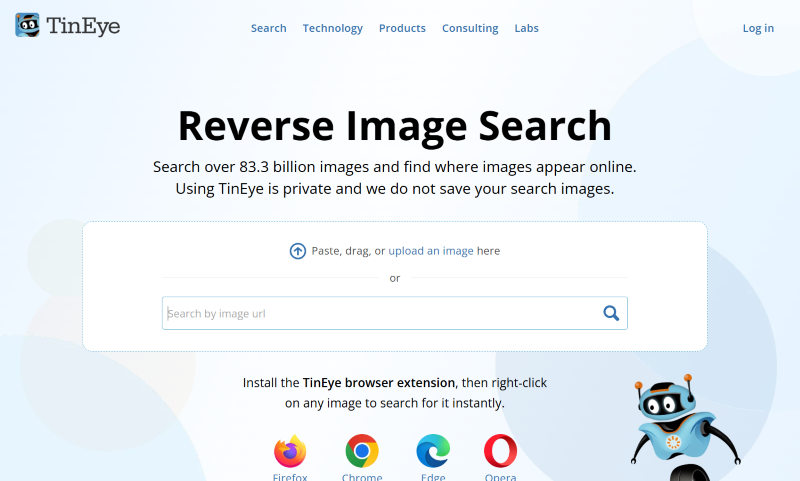
TinEye takes a different approach. Instead of finding visually similar images like Google does, it finds exact and near-exact duplicates. If you’re trying to figure out where a photo was originally published, or whether someone stole your work, TinEye is often more precise than Lens. Paste the image URL or upload the file at tineye.com, and the tool shows every instance it has indexed across the web.
Bing Visual Search and Yandex (Backup Options)
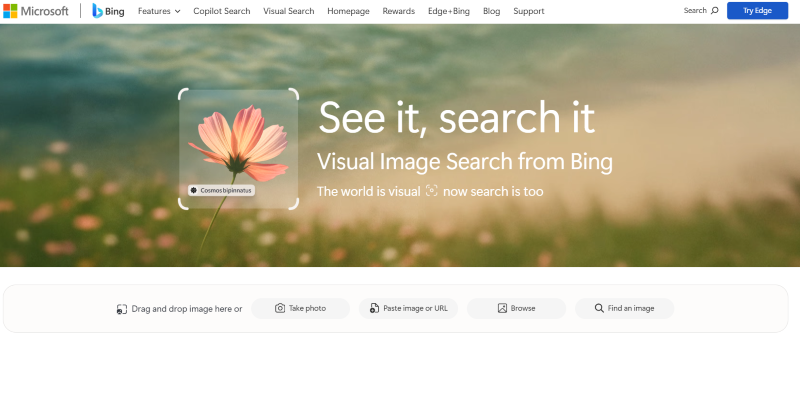
Both Bing Visual Search and Yandex are worth trying when Google doesn’t turn up anything useful. Yandex in particular has a reputation for strong face matching, though privacy implications make me cautious about recommending it broadly.
Overwhelmed by Digital Marketing?
Just released: my new book to help small businesses, entrepreneurs, and marketers master digital marketing in today’s digital-first world.
Drawing on my Fractional CMO experience, Digital Threads simplifies complex strategies into clear, actionable steps for success.
Transform your business today—grab your copy! Click the cover or button below to buy on Amazon.

The pro tip I give my coaching community: run the same image through all four tools. Each search engine indexes different parts of the web, and I’ve had cases where Yandex found the original source when Google came up empty.
What About Face Search Engines?
There’s a category of tools like FaceCheck.ID, PimEyes, and Social Catfish that market themselves as “Instagram image search.” I want to be clear about these. They’re facial recognition tools, not image search tools. They work by matching facial features across a database of public images scraped from the web.
I don’t use these tools and I’m careful about recommending them. They have legitimate uses (investigative journalism, verifying online dates aren’t catfishing you, photographers checking for stolen work), but they also raise real privacy questions. If you’re a brand doing competitive research or a marketer trying to find creators, stick with Google Lens and TinEye. They’ll get you 90% of what you need without the ethical gray area.
| Tool | Best For | Cost | Finds Instagram Profiles? |
|---|---|---|---|
| Google Lens | Products, locations, public figures | Free | Sometimes, when public |
| TinEye | Exact duplicate matches | Free | Only if same image appears elsewhere |
| Bing Visual Search | Backup when Google fails | Free | Occasionally |
| Yandex | Face matching (use with caution) | Free | Sometimes, privacy concerns |
| FaceCheck.ID | Facial recognition search | Paid | Yes, behind paywall |
Remember: if an Instagram account is private, no reverse image search will surface the posts. Private content isn’t indexed.
This is where things got interesting in 2026. Meta rebuilt the Instagram search bar around AI, and the implications for marketers are significant.
When you tap the search bar in the current Instagram app, you see a prompt like “Ask Meta AI.” You can type natural language queries (“trending Reels about sustainable fashion” or “coffee shops in Brooklyn with good lighting”), and the AI returns a curated mix of Reels, posts, creators, and products. The system analyzes the visual elements of images, identifies objects, and matches them to content across the platform.
Meta’s own transparency documentation confirms that Instagram Search uses multiple machine learning models to score content on visual elements and behavioral signals. That’s a meaningful shift. It used to be that if your caption didn’t have the right keywords and hashtags, you were invisible. Now the algorithm looks at what’s actually in the frame.
Meta’s newer Muse Spark model, which the company announced in April 2026, is rolling out to Instagram, Facebook, Messenger, WhatsApp, and AI glasses. It’s built for multimodal perception, which means it processes images, text, and context together. For creators, that translates to richer visual results and more chances to show up for queries you didn’t explicitly target.
What This Means for Your Content
If you’ve been treating captions as the only discovery signal on Instagram, you’re already behind. The AI is reading your images. That means:
The actual visual composition of your content matters for search. A clear, high-contrast photo of a product will outperform a muddy, over-filtered one, even with identical captions. Object recognition gives Meta’s AI the raw data it needs to categorize your post.
Alt text is no longer optional. Instagram auto-generates it, but the auto-generated version is generic and often wrong. Adding your own descriptive alt text in the advanced settings when you post gives the AI cleaner signal to work with.
Your first comment and caption still carry weight, but hashtag stuffing is done. In late 2025, Instagram started showing pop-ups blocking users who added more than three to five hashtags, even though the official limit is 30. The algorithm is telling us what it wants: fewer tags, better signal.
What Changed in 2026 That Makes Instagram Image Search Different?
A few things happened in the last year that shifted this topic dramatically. You need to understand them if you’re making content decisions.
Google started indexing Instagram post URLs. According to SEO Sherpa’s 2026 analysis, the big shift came when Google opened the floodgates for Instagram content to appear in search engine results pages, AI Overviews, and voice search responses. Your Reels and carousels now compete for visibility on Google, not just inside the app.
AI Overviews now appear for over 21% of US mobile search queries. Semrush data shows that AI Overviews surfaced for 21.59% of mobile queries in 2026, up from 8.61% in 2024. When those overviews pull visual content, Instagram posts with strong image SEO have a real shot at inclusion.
46% of 18-to-29-year-olds use Instagram, TikTok, or AI chatbots as their primary search tool. A Pew Research Center study released in early 2026 found this is a 15-point jump from 2023. For younger demographics, Instagram isn’t “a social network I search on sometimes.” It’s the first place they go.
Visual search is no longer a niche feature. Younger users aged 18 to 24 engage with Google Lens more than any other demographic. If your target audience skews under 35, visual search is already part of how they find you.
The practical takeaway: Instagram image search isn’t just about finding images anymore. It’s about being findable as an image.
How Do You Optimize Instagram Content to Appear in Visual Search?
This is the part most guides skip. Here’s what actually moves the needle based on what I’ve tested with my coaching community and fractional CMO clients.
Use High-Quality, Visually Clear Images
Visual search algorithms recognize objects, patterns, and textures. Blurry, over-filtered, or overly stylized images are harder to parse. Convolutional neural networks process images in layers, and they need clean edges and defined subjects to work well. Your artsy filters might look great on the feed but hurt your discoverability.
Shoot in good light. Keep your subject centered and clear. Use clean backgrounds when possible. This isn’t about making boring content. It’s about making content the AI can understand.
Write Descriptive Alt Text (Manually)
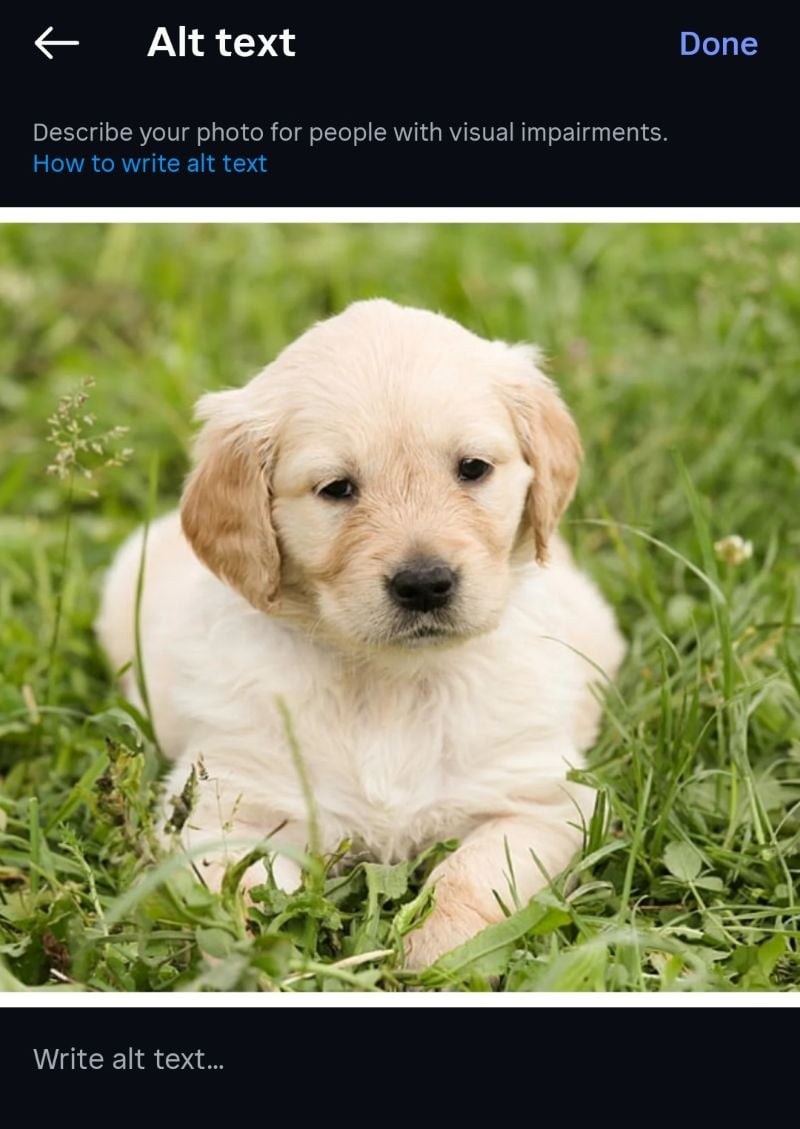
Every Instagram post lets you add custom alt text under “advanced settings” before you publish. Most people skip it and let Instagram auto-generate something generic like “an image of a person.” Instead, write something specific: “Barista pouring latte art at a wooden counter in a Brooklyn coffee shop.” That gives Meta’s AI clear semantic signal about what’s in the frame.
Use Keyword-Rich Captions (But Keep Them Natural)
The old hashtag-stuffing game is over. The new game is writing captions that read like humans wrote them but contain the keywords your ideal audience would actually search. If you’re posting about Instagram marketing strategy, use those words naturally in the first two lines. That’s what gets scraped, indexed, and fed into LLMs.
Think About Your Thumbnail
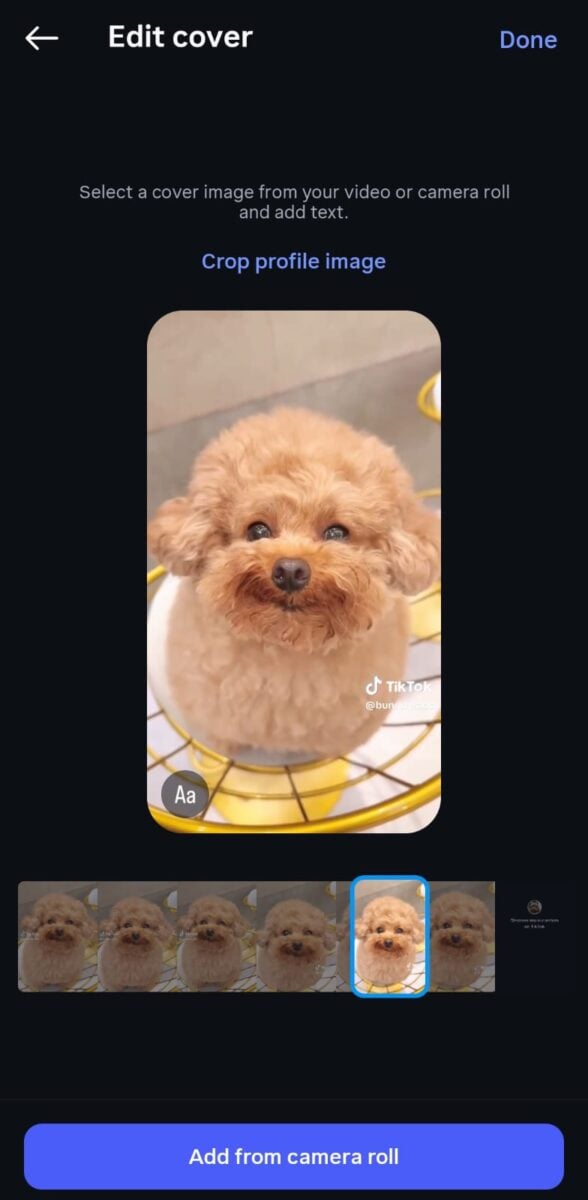
For Reels and carousels, the thumbnail is the visual hook. It’s what appears in Instagram search results, on your profile grid, and potentially in Google Image Search. A thumbnail with clear text overlay, bold colors, and a focal point outperforms a random frame grab every time.
Use Your 3 to 5 Best Hashtags, Not 30
I cover this in my Instagram hashtags guide, but the short version: Instagram is signaling that quality beats quantity. Three to five precise, relevant hashtags perform better than 30 generic ones in 2026.
Build Profile-Level Authority
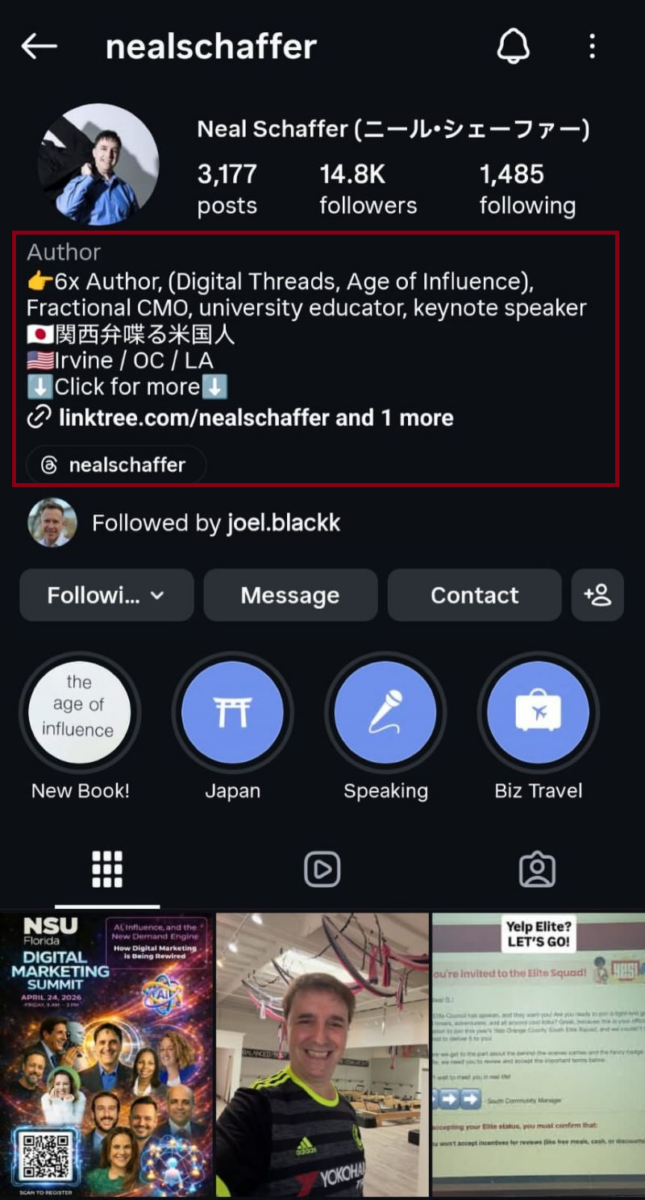
Your bio, username, and name field all feed Instagram’s search relevance calculations. If you’re a fitness coach in Miami, your handle shouldn’t be @sparkle4455. Include descriptive keywords where they make sense. My Instagram bio ideas guide walks through this in detail.
| Optimization Tactic | What To Do | Why It Matters |
|---|---|---|
| Visual clarity | Shoot in good light, keep subjects centered, avoid heavy filters | Meta AI’s object recognition needs clean edges to categorize content |
| Custom alt text | Write descriptive alt text manually under advanced settings | Auto-generated alt text is generic and gives the algorithm weak signal |
| Caption keywords | Use target keywords naturally in the first two lines | Captions are scraped by Google and fed into LLMs for Instagram indexing |
| Thumbnail selection | Choose frames with clear focal points, bold colors, or text overlay | Thumbnails appear in Instagram search, your grid, and Google Image Search |
| Focused hashtags | Use 3 to 5 precise, relevant hashtags instead of 30 | Instagram now penalizes hashtag stuffing with pop-up warnings |
| Profile signals | Keywords in bio, username, name field | Profile-level relevance feeds into every post’s search ranking |
How Do Marketers Use Instagram Image Search for Competitive Research?
This is an underused tactic, and it’s where I spend a real amount of time with my consulting clients.
Reverse search your competitors’ top-performing images. Run their best Reels covers or carousel first slides through Google Lens. You’ll often find where else that image or visual style appears on the web, which gives you intelligence on their broader content strategy and distribution.
Find UGC you didn’t know existed. Upload your own product photos to Google Lens and TinEye. You’ll sometimes find customers or micro-influencers posting about your brand on Instagram or elsewhere without tagging you. That’s a goldmine for community-building and partnership outreach.
Track visual trends in your niche. Instagram’s Explore page, combined with Meta AI visual search, reveals the aesthetic patterns currently dominating your category. Search your main keyword, scroll the visual results, and pay attention to composition, color palette, and overlay text styles. That’s your benchmark for what’s resonating right now.
Identify creators through their content, not their captions. If you’re running an influencer program, visual search helps you find creators whose aesthetic actually matches your brand. You’re not limited to whoever uses the right hashtag. You can find the people producing the look you want.
“Almost all of our growth has been driven by DMs, Reels, and recommendations.” — Adam Mosseri, Head of Instagram, quoted in Disrupt Marketing’s 2026 analysis
That quote matters because it confirms where the platform is putting its algorithmic weight. Recommendations, which are driven by visual search and AI content matching, now determine more of your reach than your follower count does.
What Are the Privacy Implications of Instagram Image Search?
I want to be direct about this because too many articles gloss over it.
Reverse image search tools can be used for stalking, harassment, and identity verification in ways the subjects never consented to. If you’re building a content strategy, stay on the right side of this line.
For your own protection:
Private accounts are genuinely private. Posts from private Instagram accounts aren’t indexed by external search engines and can’t be surfaced through reverse image search. If privacy matters to you, keep the account private and don’t use your real face as your profile picture.
Metadata is stripped on upload. When you post to Instagram, the platform automatically removes EXIF data, including GPS coordinates and camera information. You’d need to add a location tag manually for your posts to be discoverable by place.
Public figures and brand accounts are fair game. If you run a public brand or creator account, accept that your images will be analyzed, indexed, reverse-searched, and used as training data for AI systems. That’s the tradeoff for visibility.
For tools you use to search others, stick with Google Lens, TinEye, and Bing. I’d avoid facial recognition services unless you have a specific legitimate use case and you understand what you’re doing.
FAQ: Instagram Image Search
No. Instagram has never offered a built-in reverse image search feature. You’ll need to screenshot or download the image, then upload it to Google Lens, TinEye, or another external tool. The Meta AI search bar inside Instagram is for discovering content, not for finding the source of an existing image.
Yes, in 2026 Google started indexing Instagram post URLs, which means public posts can now appear in Google Image Search, regular search results, and AI Overviews. Private accounts and some ephemeral content like Stories aren’t indexed. Optimizing your captions, alt text, and visuals for search is now relevant for Instagram posts in a way it wasn’t a year ago.
It depends heavily on who’s in the photo. For public figures, influencers, and anyone with a large online footprint, Lens usually returns good results. For ordinary people with limited online presence, results are hit or miss, and Google itself acknowledges that results for people are limited. Lens performs better on products, landmarks, and objects than on human faces.
Start with Google Lens, which is free and covers the broadest index. If that fails, try TinEye for exact matches. If the image is from a public account with significant engagement, one of these tools will usually surface a link. If it’s from a private or low-activity account, you may not find it at all. That’s by design.
Focus on five things: high-quality visuals with clear subjects, custom alt text instead of auto-generated, keyword-rich captions that read naturally, three to five precise hashtags, and a profile that signals your niche clearly. The Instagram algorithm in 2026 analyzes visual content directly, so your images need to be AI-readable as well as human-appealing.
They’re legal in most jurisdictions and have legitimate use cases (verifying online dates, checking for stolen photos, investigative journalism), but they raise real privacy concerns. I don’t use or recommend them casually. For marketing and competitive research, Google Lens and TinEye cover what you need without the ethical questions.
Start Optimizing Your Instagram for Visual Search Today
Instagram image search is no longer just a tool for finding lost photos. It’s the frontline of how your content gets discovered in 2026, and the rules are different than they were even 18 months ago. Meta AI is reading your images. Google is indexing your posts. Visual search volume is growing faster than text search. The creators and brands winning right now are the ones treating their images as searchable assets, not just aesthetic choices.
Start with the basics: audit your most recent 10 posts and check whether each one has custom alt text, a clear visual subject, and a caption that reads like a human wrote it. Then pick one post per week to optimize more aggressively. Small, consistent shifts compound faster than you’d expect.
If you want a deeper framework for how visual content fits into the broader Instagram marketing strategy, grab a free preview of Digital Threads, which covers how to build an integrated content strategy that works across search and social. If you’re a business owner who’d rather have someone help you build this into a full marketing system, take a look at my fractional CMO services. And if you want the weekly breakdown of what’s actually working, my newsletter is where I share it first.
Your next customer is searching visually. Make sure you’re what they find.
Actionable advice for your digital / content / influencer / social media marketing.
Join 13,000+ smart professionals who subscribe to my regular updates.